Most creator closet sales start on Instagram. Stories, swipe-ups (now link stickers), bio links, and DM replies do almost all the work. It's where the audience already is — and where the chaos starts. This guide walks through a simple Instagram closet sale workflow that keeps each piece organized, every buyer accounted for, and the creator's DMs from becoming an inventory system.
Why creators sell through Instagram
Instagram is the home of fashion content. Followers already know the creator's style, see the outfits in real context, and trust the source. That trust is the entire reason creator closet sales work in the first place.
The problem with managing closet sales through DMs
The same DM thread that builds trust also breaks down the moment a closet sale grows. Old screenshots resurface. Two people claim the same piece. Story replies bury actual buyers. Follow-up after the story expires turns into a part-time job.
How to make each piece easier to share
Each piece in a closet sale should have its own stable link. That link can live in a link sticker, the bio, a WhatsApp message, a TikTok caption, or a QR code at an event. When the link is the same everywhere, the creator stops sending different screenshots to different people.
Story links, bio links, QR codes, and DM replies
- Story link stickers point directly to a specific piece or the full closet.
- Bio link covers buyers who arrive later from search or referrals.
- QR codes work for in-person events and friend-of-friend share.
- DM replies link out instead of repeating product details by hand.
How Loovly helps organize an Instagram closet sale
Loovly gives each piece its own product page and each creator a single public closet. From there, the Promotion Studio generates shareable links for Instagram, TikTok, WhatsApp, and DM follow-ups. Followers tap a piece, see all the details, and submit buyer interest — so the creator can follow up calmly instead of digging through a story reply thread.
Loovly never connects to Instagram on the creator's behalf. There are no bots, no auto-DMs, no scraping, and no login capture. The creator still manually posts and replies inside Instagram — Loovly just keeps the inventory and interest organized in one place.
Simple Instagram closet sale workflow
- Add each piece to the Loovly closet with photos and a short story.
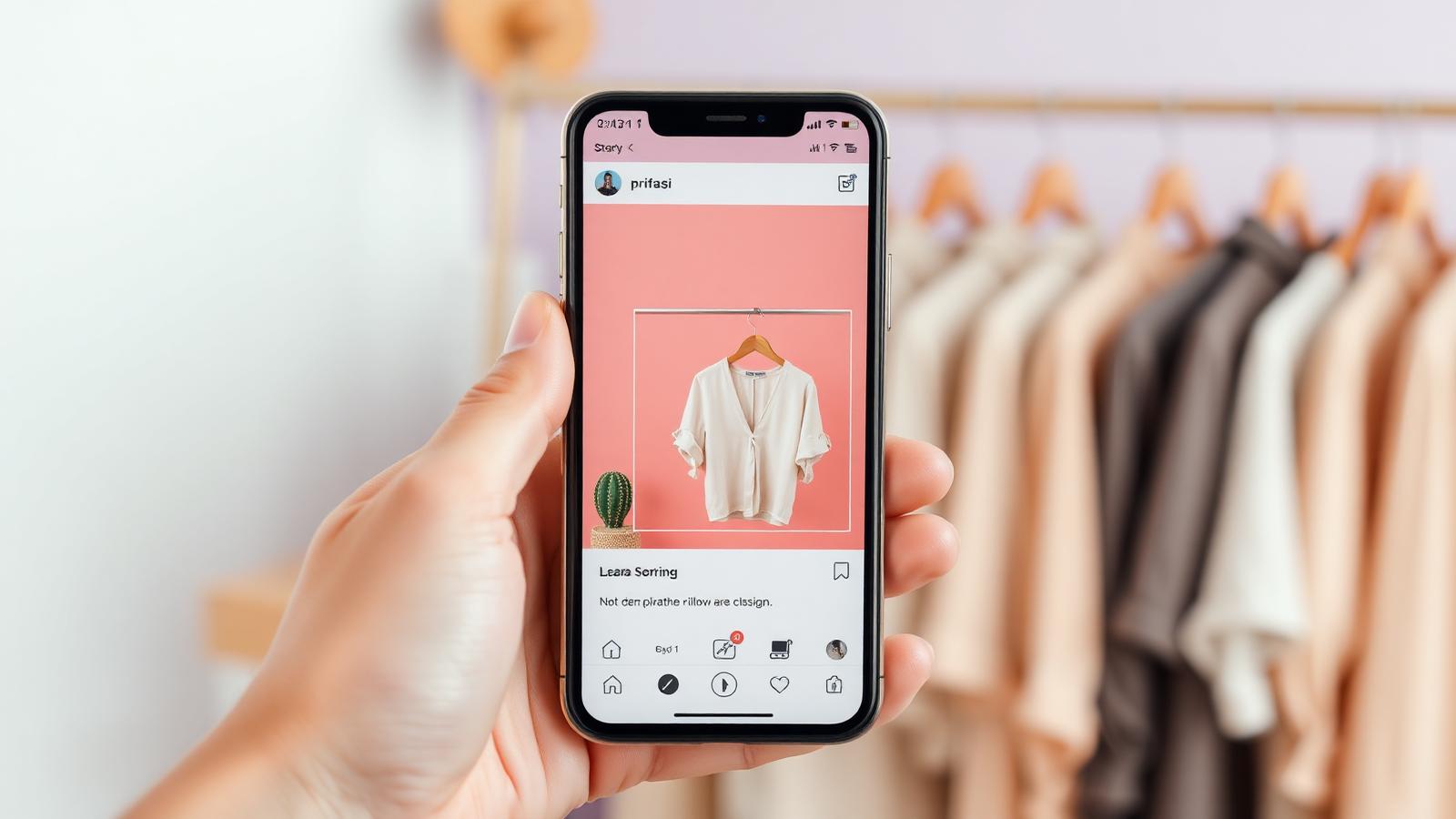
- Post a story preview and add a link sticker pointing to the piece or closet.
- Pin the closet link in the bio so it's findable even after the story expires.
- When someone DMs about a piece, send back the product link.
- Check buyer interest in Loovly to follow up with the most engaged buyers first.
Turn this guide into your next drop.
Frequently asked questions
Does Loovly auto-post or auto-DM on Instagram?⌄
No. Creators always post and reply inside Instagram themselves. Loovly does not log into Instagram, does not send DMs, and does not capture Instagram credentials.
Can I run an Instagram closet sale without a website?⌄
Yes. The Loovly closet link works as your sale site — drop it in your bio, stories, and DMs.
Do I need a business account to do a closet sale?⌄
No. A regular personal account is fine for sharing your Loovly closet link.
How do I avoid double-selling the same piece on Instagram?⌄
Track interest in Loovly instead of in scattered DMs, and mark a piece as reserved once a buyer is confirmed.
Ready to host your own closet sale?
Set up your free Loovly closet in minutes — one link, real measurements, and a checkout your audience can actually use.