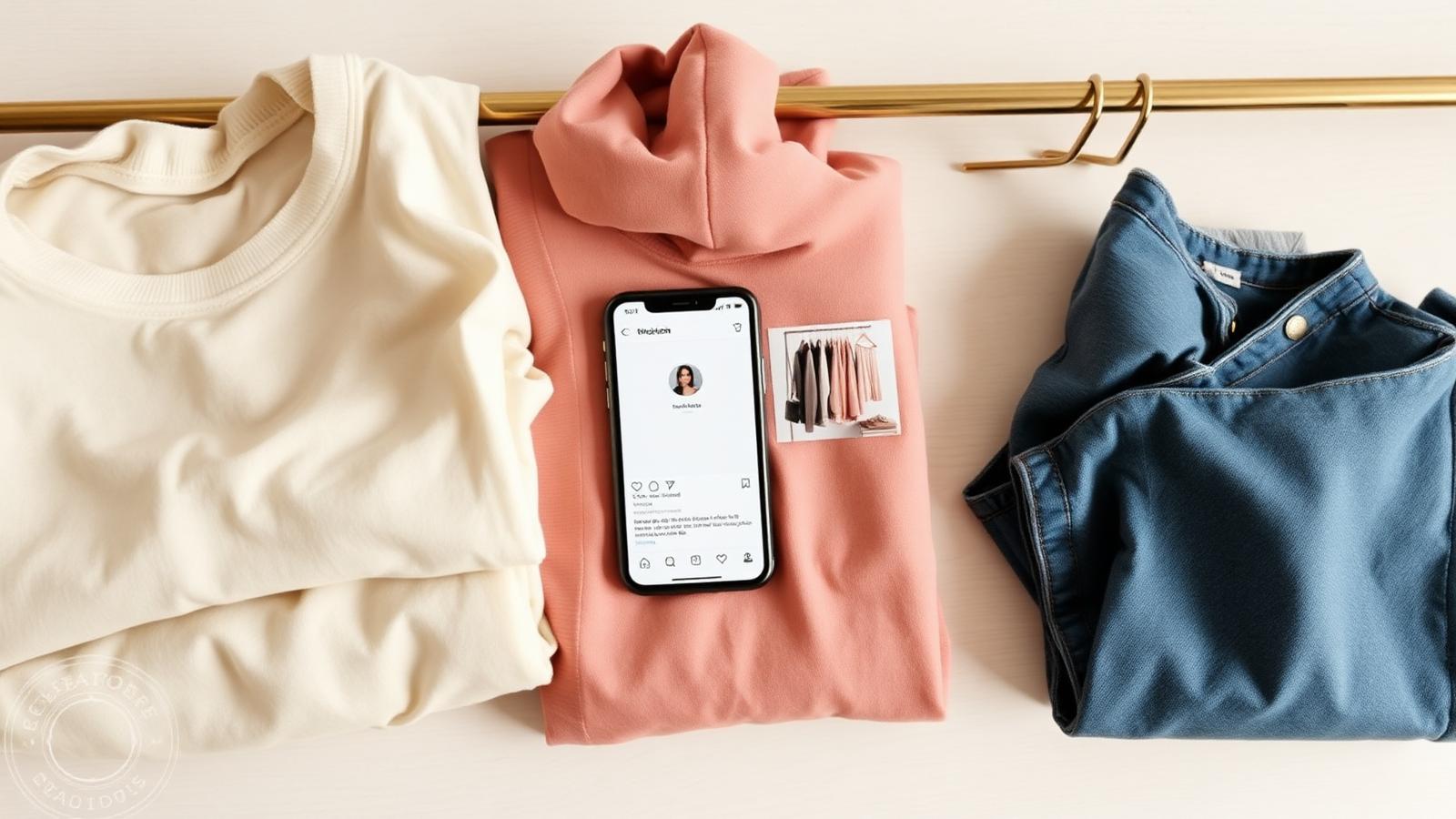
Selling preloved pieces on Instagram is still one of the fastest, lowest-friction ways for a creator to clear a wardrobe and earn from it. You already have the audience, the photos look like your usual content, and your followers are halfway sold the moment they see an outfit they recognise from your feed.
What has changed since 2019 is everything around the sale. Story DMs do not scale, payment apps want receipts, screenshots disappear, and buyers expect a real product page — not a chain of replies. This is a 2026 playbook for selling secondhand clothing on Instagram in a way that feels editorial, not chaotic.
Turn this guide into your next drop.
Why Instagram is still the easiest place to start
Instagram works as a closet sale channel because intent is already there. Your followers chose you for taste. When you post a piece for sale, you are not interrupting them with an ad — you are offering them something they have probably tapped on before.
- Stories give you a 24-hour drop window that creates real urgency.
- Reels and grid posts keep the sale visible beyond Stories.
- Saved Highlights become a permanent shop you can keep updating.
- Close Friends lists let you do early-access drops without spamming everyone.
The catch: Instagram is a marketing surface, not a store. The platforms that scale closet sales pair Instagram traffic with one real link that does the heavy lifting — listings, sizing, condition, save, follow, request, and checkout.
Step 1: Curate the pieces worth selling
The single most common mistake is dumping everything you no longer want into the sale. A focused edit of 20 strong pieces will always outperform a closet of 200 mid pieces — both for revenue and for how the sale looks.
Walk through your wardrobe and pull anything that fits these buckets:
- Pieces you genuinely loved but have not worn in 6+ months.
- Brand-gifted items that no longer match your current style (where the brand permits resale).
- Outfits worn in shoots, content, or campaigns followers already recognise.
- Mistake buys still in great condition.
- Vintage or rare finds you have outgrown but someone else will love.
Skip anything stained, broken, pilled, or stretched out of shape. The fastest way to lose follower trust is to ship a piece that looks worse than the photo.
Step 2: Shoot every piece in one session
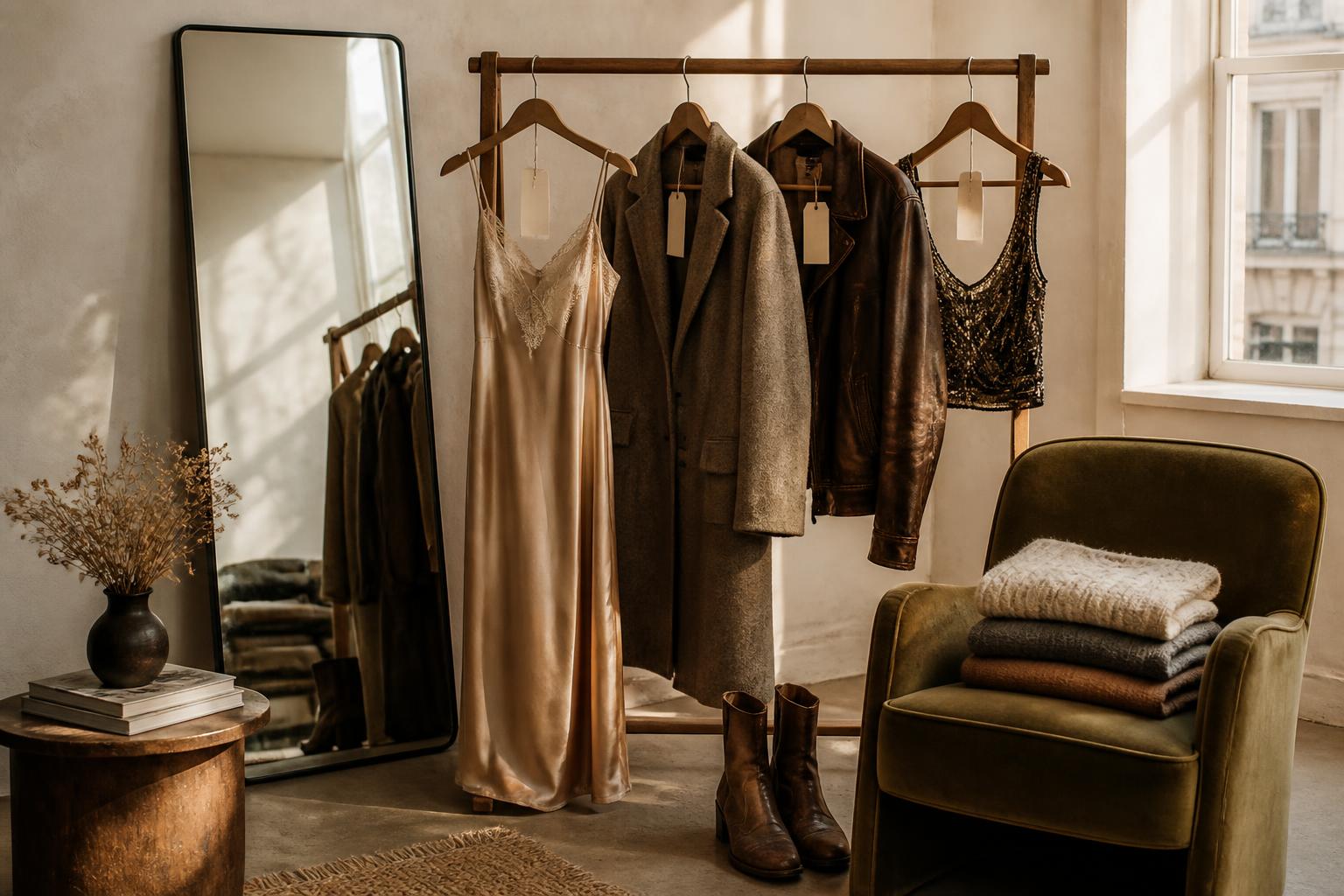
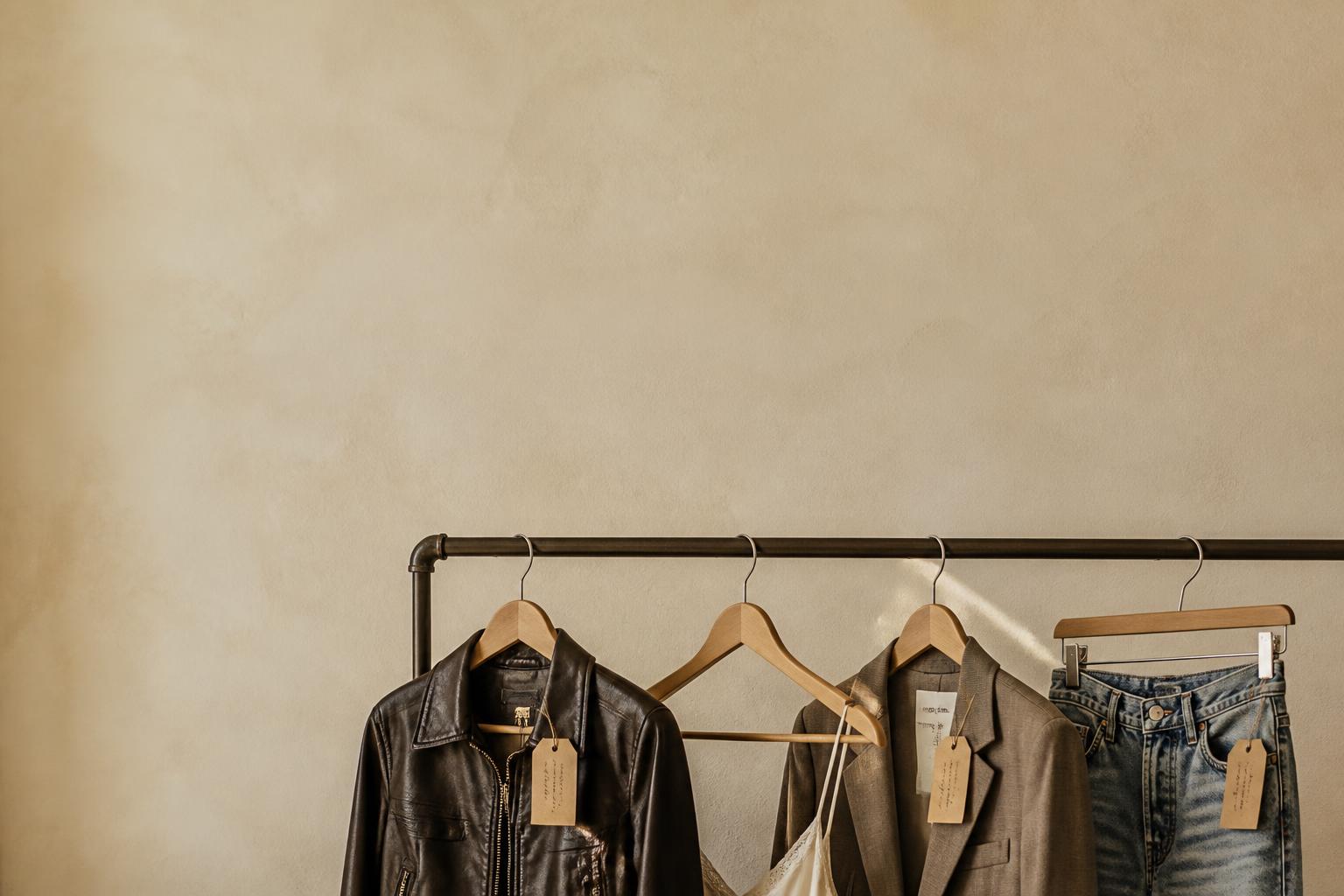
Batch the whole sale into one short shoot day. One backdrop, one light source, one outfit-on-body setup. The visual consistency is what makes the closet feel like a collection rather than a yard sale.
Setup checklist
- Steam or iron every piece — wrinkled clothes look 30% cheaper.
- Shoot in daylight near a window, or with a single soft light.
- Keep the background plain: a wall, a sheet, a wooden floor.
- Use the same crop, distance, and angle for every shot.
- Photograph any flaw close-up — buyers respect honesty and forgive small imperfections.
What every listing photo needs
- A clear front shot, on a hanger or on body.
- A back shot (buyers always ask).
- A close-up of fabric, print, or label.
- A scale reference — held up, worn, or with a tape measure.
If you list on Loovly alongside your Instagram drop, the AI-assisted listing flow can turn each photo into a draft title, description, category, and size hint — so 30 items stops feeling like 30 separate captions to write.
Step 3: Price like a buyer, not a seller
The biggest pricing mistake on Instagram closet sales is anchoring to original retail. Your buyer is comparing to Vinted, Depop, Vestiaire, and the resale market — not to the price tag from three years ago.
| Condition | Suggested resale range | Why |
|---|---|---|
| New with tags | 40–60% of retail | You still need to beat full-price resale options. |
| Worn once or twice | 30–45% of retail | Looks new, but no longer carries the new tax. |
| Gently used | 20–35% of retail | Honest middle ground — moves fast at the right photo. |
| Well-loved | 10–25% of retail | Bundle these or use them as add-ons. |
| Vintage / rare | Price by demand | Forget retail — let buyer interest set the floor. |
Round to clean numbers (€25, not €24.50). Offer a small bundle discount for two or more pieces. If a piece does not move within the first week of the sale, drop the price publicly and post about it — that becomes its own moment of content.
Step 4: Set up the one link that replaces DMs
If you take one thing from this guide, take this: do not run your closet sale from your DMs. By the third sale slide, your inbox becomes a graveyard of "is this still available?" messages, payment screenshots, address typos, and lost orders.
Instead, send every Story, Reel, caption, and link-in-bio to one public closet page. The page does the work Instagram cannot do:
- Shows every available piece with size, condition, and price.
- Lets followers save, follow your closet, request, and share.
- Captures buyer interest so you know what people actually want.
- Sends drop alerts when you publish new pieces.
- Stays live beyond the 24-hour Story window.
Loovly was built around this exact pattern: one creator closet URL, public product pages, save and follow actions, and a referral loop so existing buyers bring new ones. Use it as your link-in-bio for the duration of the sale and let Instagram do what it is good at — driving attention to it.
Step 5: Build Story slides that actually sell
Stories are still the engine of an Instagram closet sale. The trick is to design them as a tiny shop, not a shout. Use a free template tool (Unfold, Canva, Mojo) and keep every slide consistent so the sale reads as a series.
Slide 1 — How the sale works
- What you are selling (theme + number of pieces).
- When it opens (date + time + timezone).
- Where to shop (the one link).
- How to claim a piece (tap link, save, request — never DM-first).
- How payment and shipping work (clearly named, with timezones).
Slide 2+ — One slide per piece
Each product slide should be scannable in under three seconds:
- Brand and item name.
- Size, fit notes, condition (and any honest flaws).
- Price in your main currency.
- Original photo + a styled or on-body shot if you have it.
- A clear "tap link" arrow pointing to the closet URL.
Save every slide to a Highlight called Closet Sale so anyone who finds you mid-week can still browse. When a piece sells, mark it on the slide instead of deleting it — sold-out energy creates more urgency for the rest.
Step 6: Promote the drop without spamming
You do not need a huge audience to make a closet sale work. You need a clear timeline. The same 7-day rhythm works whether you have 800 followers or 80,000.
- Day 1: Announce the date, the theme, and where the sale will live.
- Day 3: Teaser — three hero pieces in a flat-lay or try-on Reel.
- Day 5: Behind-the-scenes Story of you photographing the closet.
- Day 7: Drop — Stories + grid post + one Reel + link-in-bio update.
- Day 8–10: Restock posts, public price drops, and "last pieces" Stories.
Pin a grid post and a Reel about the sale for the first 48 hours so anyone landing on your profile sees it instantly.
Turn this guide into your next drop.
Step 7: Handle orders, payment, and shipping
This is where most Instagram closet sales fall apart — and where having a real closet page saves the weekend. The principle is simple: one place to claim, one place to pay, one place to confirm shipping.
Order claims
Let buyers claim a piece through a request or interest form on the listing, not through Story replies. Reserve the piece for a short window (say 12–24 hours) for the first claimant. If they do not confirm, move down the wait list. Communicate that policy on the first slide so nothing feels personal.
Payment
Decide upfront whether you accept on-platform checkout or external payment links (PayPal, Wise, Revolut, bank transfer). If you use external links, name your terms — payment within 24 hours, refunds only for items not as described, shipping cost on the buyer. Be explicit that external payments happen between you and the buyer and are not protected by the platform you list on.
Shipping
- Set a single weekly shipping day so it stays manageable.
- Use trackable shipping for anything above €40 — it protects both sides.
- Reuse mailers from your own packages and say so. Buyers love it.
- Send a tracking number through the platform, not just DMs.
Step 8: Don't waste the demand after the sale
Every closet sale is a tiny piece of market research. The fastest-selling pieces tell you what your audience actually wants from you — the style, the size range, the price point, the brands. Save those signals.
- Note which pieces sold first and at what price.
- Note which pieces collected the most saves, follows, and requests.
- Note which sizes ran out fastest.
- Use that to plan your next drop or pitch a brand collaboration.
Creators using Loovly see this automatically through closet analytics and demand signals on each product — over two or three sales, that becomes real proof of demand you can put in front of a brand.
Common mistakes that quietly kill Instagram sales
- Running the sale through DMs only — you will lose orders.
- Inconsistent photo styles — the closet looks unedited.
- Overpricing because of sentimental value.
- No size, no measurements, no condition notes.
- Posting once and expecting the sale to do itself.
- Deleting sold slides instead of marking them — kills urgency.
- Promising next-day shipping you cannot deliver.
Where Loovly fits in
You can run a great Instagram closet sale without any platform — a clear link, a clean shoot, honest pricing, and a real drop day will get you most of the way there. Loovly just removes the friction Instagram does not solve:
- One clean public creator closet link you can drop in bio and Stories.
- AI-assisted listing drafts from your sale photos.
- Listings with size, condition, measurements, and clear pricing.
- Save, follow, request, and share actions on every piece.
- Buyer interest collection so you see real demand before shipping.
- Drop alerts to followers when new pieces go live.
- Shareable product and closet links that work everywhere — IG bio, Stories, Reels, TikTok, WhatsApp.
- Creator analytics and demand signals you can use for brand pitches.
- A referral loop so happy buyers bring new ones into your closet.
- External payment links for eligible Creator Business users — handled outside Loovly, between you and the buyer.
Note: when you use an external payment link, the payment itself happens off Loovly, between you and the buyer. Loovly organises the sale, the listing, the interest, and the link — it does not protect off-platform payments. Decide your refund and dispute terms with your buyer up front.
Turn this guide into your next drop.
Frequently asked questions
Is it still worth selling secondhand clothes on Instagram in 2026?⌄
Yes, especially if you already have an engaged audience. Instagram is the cheapest way to drive attention to a closet sale, but you will get far better results pairing it with one closet link that handles listings, sizes, and buyer requests instead of running everything through DMs.
How do I actually take payment when I sell clothes on Instagram?⌄
Most creators use PayPal, Wise, Revolut, or a local bank transfer for off-platform sales. Confirm the price, size, shipping cost, and address in writing, ask for payment within a set window, and ship only after the payment clears. State up front that off-platform payments are between you and the buyer — they are not protected by Instagram or by the closet platform you list on.
How many pieces should I put in an Instagram closet sale?⌄
Twenty to forty curated pieces is the sweet spot for most creators. Smaller drops feel premium and sell out faster, larger drops dilute attention and clog your DMs. If you have more, run multiple themed drops instead of one giant sale.
What is the best day and time to launch a closet sale on Instagram?⌄
Tuesday to Thursday evenings or weekend mornings in your audience's main timezone tend to perform best. The exact time matters less than announcing it clearly a week in advance and posting a reminder the day of.
How do I avoid the DM chaos when I sell on Instagram?⌄
Send every story, caption, and link-in-bio to one closet link instead of asking buyers to DM. Use the listing's request or interest form for claims, and only follow up in DMs to confirm payment and shipping. This is exactly what Loovly's public creator closet is built for.
Do I need a business account or any licence to sell secondhand clothes on Instagram?⌄
For occasional personal closet sales most regions treat it like a private sale, but if you sell consistently or as a side income you may need to register and report it. Rules vary by country — check your local guidance. This article does not constitute tax or legal advice.
Can I sell brand-gifted pieces on Instagram?⌄
Sometimes. Many brands now allow creators to resell gifted pieces after a holding period, but some PR contracts forbid it. Check the agreement, and if in doubt ask the brand directly before listing.
Is Loovly free for creators?⌄
Yes — creators can open a Loovly closet for free and list pieces without a subscription. Paid plans unlock additional creator tools; see the pricing page for current details.
Ready to host your own closet sale?
Set up your free Loovly closet in minutes — one link, real measurements, and a checkout your audience can actually use.